

 Guest messaging for hosts
Replies you approve
Review a suggested draft, add your own voice, and choose when to send.
Bring guest messages, property knowledge, and AI-assisted replies together. Give every guest a personal welcome, wherever you host.
Example answers. Replies come from the property knowledge you save and wait for your approval.
 Answered with your house notes
Everything a host needs to answer well, in one calm workspace.
Review a suggested draft, add your own voice, and choose when to send.
Keep arrival details, Wi-Fi instructions, and house rules close at hand.
See each conversation alongside the property and reservation it belongs to.
Choose draft-only or disabled for each property, with escalation rules you write.
Questions about pets, money or late checkout go to a person, not a guess.
Booking dates, references and the last message stay beside every reply.
Four moments from a host’s day with the workspace.
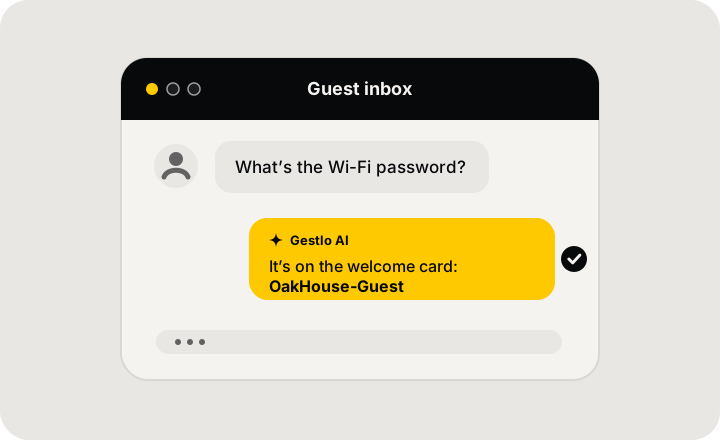
A guest asks for the Wi-Fi. Gestlo drafts the reply from what you saved.
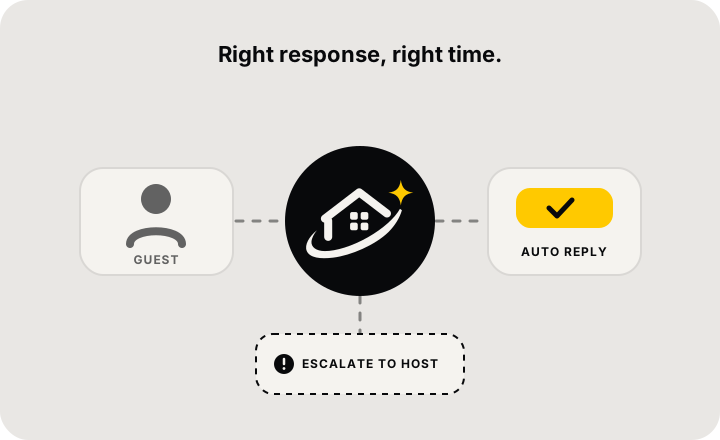
Routine questions get a draft. Sensitive ones go straight to you.
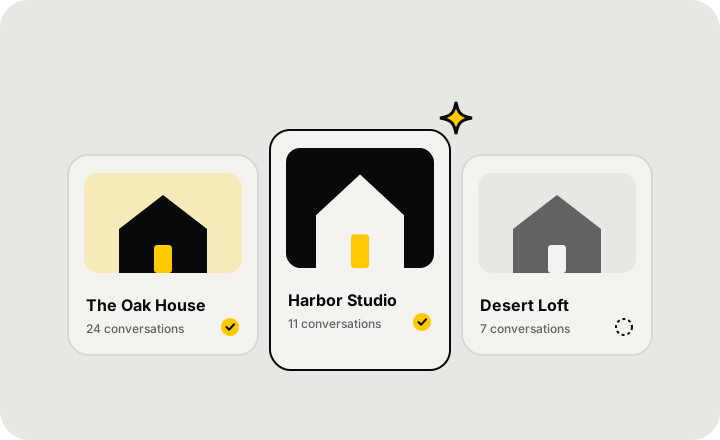
Switch between properties without losing the conversation you’re in.
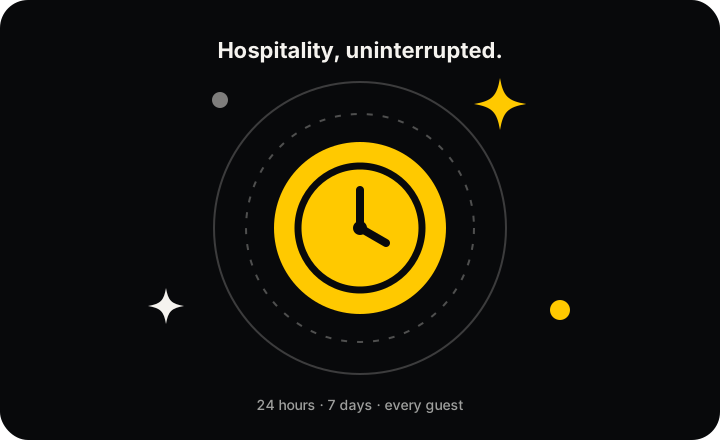
Drafts wait in the inbox at any hour, so you can approve when you’re back.
Move from a portfolio overview to a guest’s question with the booking details in view.
Three steps, all inside your private demo workspace.
Explore a simulated Airbnb portfolio with reservations and guest messages already in place.
Save each property’s check-in instructions, parking information, and frequently asked questions.
Try a mock draft or write your own response. Demo messages stay inside your workspace.
Free trial · Demo data only · No channel connection needed
Start free trial
 Guest inbox with filters for property, status and unread
 Property knowledge and verified FAQ answers
 AI drafts that wait for your approval
 Escalation and assignment for every conversation
 Activity log of every change and sent reply

